
Top 5: Best Apps for Apple Watch. (Summer 2015)


Hi Apple fans:

Apple watch has been released earlier this Summer, With now it being one of the hottest gadgets in the market making a total of over a Billion Dollar profit for Apple. We take a look at the most useful apps for Apple Watch right now.

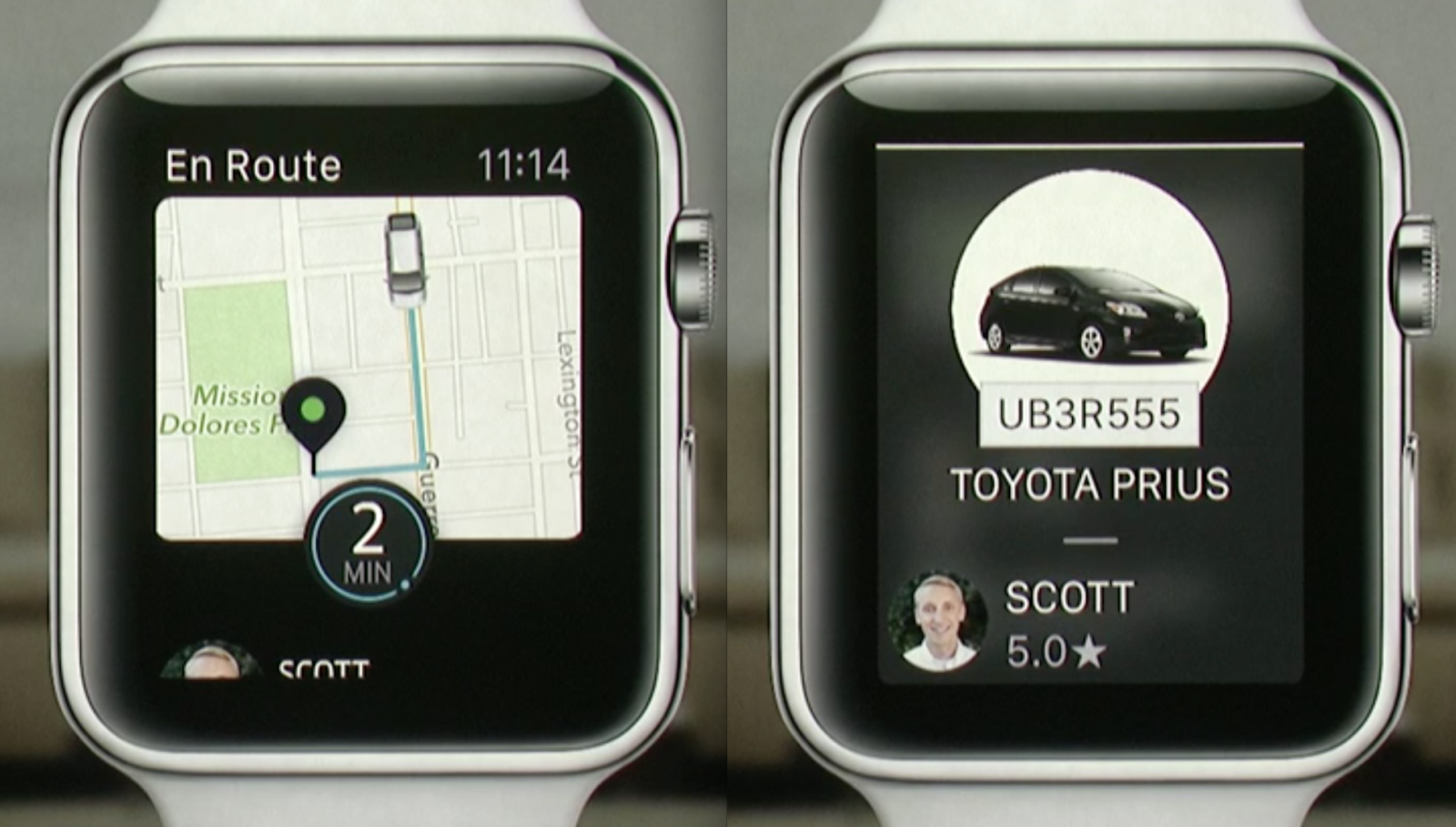
1: Uber

First is the Uber app, now if you are not familiar with it. It's an app that let's you find a Taxi Cab in alomst all major Cities of the world. The way it does so is by identifying your location using GPS and then sending it to your nearby cab available on Uber network and there you go a cab is supposed to arrive to you in no time. It supports about 58 countries which you can check yours on the link below

https://www.uber.com/cities
2: Calcbot:

Apple watch does not come with a built in calculator app. So out of the 3rd party apps available for this purpose calcbot is the best as it does not only work as a calculator but has a built in converter app as well as tip calculation based on percentage.


3: Instagram:

Instagram is the most famous image sharing social media right now so there is no surprise that it makes up to this list. It supports the news feed and they are very much intigrated toward the small screen of the watch. The only bad thing about it that you can not play videos directly on your watch.


4: To Do:

A quick to load and quick to enter your notes. This app makes it much more easier for adding and removing to do lists.


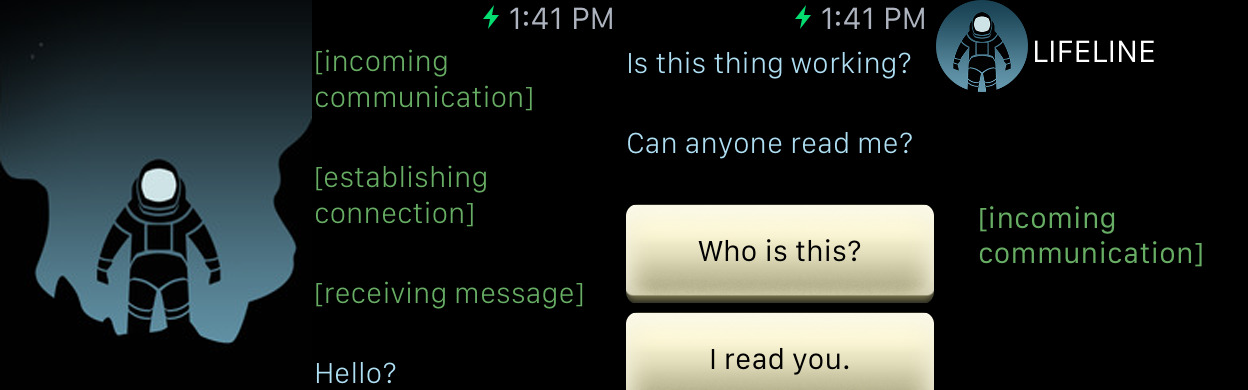
5: Life Line

A game on Apple watch, seems like a joke but it is an app that works real time. App focuses on a astronaut stranded on a bare planet and have contact with only you. You have to direct him what to do and how to and if the character sleeps it will walk up after almost 2 days making it equal cycle to Mars. The game works textual so you dont have to worry that your eyes will bleed after playing on such small screen.


Hope You liked this...
Keep coming back for more...
Our Other links
AdeelsTechbit on Google+ 
Atechbit on Google Search

Note: Photos and video are not authors own...


Comments

Popular posts from this blog

Hyper Car Wallpapers...

The sweatest of the cars now a days are Hyper cars. and as the name suggests they are Hyper Too. Today, we are presenting to you some of the beautiful Hyper cars from Internet. Hope you liked it Keep coming back for more Note: Photos are not authors own!

How to make MARS Liveable...AKA Terraforming

Hi, Ever thought that you should not live on this planet. well if you happen to be alive in 21st century you may have at least for once thought about it. Yes we all have to leave earth one day one after another via death. But is it the only way possible or is there any other way around. Indeed there is, as Scientist at NASA and other major space exploration facilities have continuously searching for a suitable planet to live on. But recent advancements have lead us to believe that searching a livable planet is by far the most difficult task as finding one is like finding needle in hay stack but they are far enough to make the task of going there as difficult as passing a camel through the pin hole. So the obvious questions remains the same can we live on other planets. The answer remarkably is yes we can, by terraforming other planets to our own needs. Remember the scene from Man of Steel movie where General Zod starts the World engine to make earth like krypton. Yes i...

Apple iOS 18.3 : Release : Updates and Features

 Apple is gearing up to release the iOS 18.3 update, bringing a suite of enhancements and new features to improve the iPhone user experience. Here's a comprehensive look at what to expect: Apple Intelligence Enabled by Default In iOS 18.3, Apple Intelligence will be activated by default on supported devices, including iPhone 15 Pro and later models, as well as iPads and Macs with the Apple Silicon M1 chip or newer. This integration offers users immediate access to AI-powered features such as notification summaries, Image Playground, and text rewriting tools. If preferred, users can disable Apple Intelligence by navigating to Settings > Apple Intelligence & Siri and toggling off the feature.  Refined Notification Summaries To enhance clarity, iOS 18.3 introduces italicized text for AI-generated notification summaries, distinguishing them from standard notifications. Additionally, Apple has temporarily disabled notification summaries for news and entertainment apps fo...